Drinking water
Choose this category when you need water intended for drinking. Availability depends on the area and the water categories approved for the service.
Learn about this water typeChoose the water type and delivery location, then review your order details in an experience designed around your everyday needs.
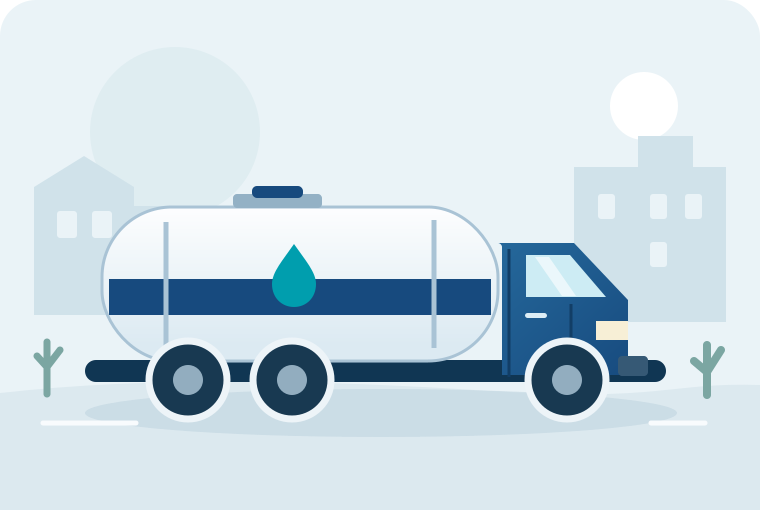 Illustration
Two separate categories. A clear choice before delivery.
Choose this category when you need water intended for drinking. Availability depends on the area and the water categories approved for the service.
Learn about this water typeFor uses suitable for non-potable water. Do not use this category for drinking or preparing food.
Learn about this water typeSelect your delivery area, water type and the right quantity from the available options.
Sign in, review the address and quote, then explicitly confirm your order.
Follow the order status, ask for help when needed, and confirm receipt after delivery.
Check the areas served by Waiti. A written address alone does not confirm that it is inside the geographic service boundary.
Explore service areasLearn about registration and the review of driver and tanker details. Registration does not mean approval or guarantee that you will receive offers.
Learn about joining as a driverDrinking water and non-potable water are separate categories. Choose the type that meets your needs. Never use non-potable water for drinking or preparing food. Availability of each category depends on the service area.
You do not need to share your location to browse this website. You can enter a delivery address and a nearby landmark. Location sharing is optional and can help identify the destination and check coverage when the service is available.
When browser ordering is available, Waiti provides a quote after you select the area, water type and quantity, and sign in. Review the total before confirming your order.
No. Receiving your request, looking for a driver and driver acceptance are separate stages. Follow the displayed order status and remember that an estimated arrival time is not a guarantee.
Explore the service and choose your next step.